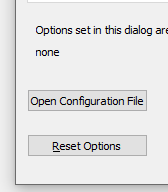
The box can be found under 'settings>options'
<img width="576" alt="Opnconffi" src="https://user-images.githubusercontent.com/57270843/68052446-8faf9200-fce1-11e9-911e-31ba01365d8f.png">

The box can be found under 'settings>options'
<img width="576" alt="Opnconffi" src="https://user-images.githubusercontent.com/57270843/68052446-8faf9200-fce1-11e9-911e-31ba01365d8f.png">

See #16971 Maybe this will help in this frame as well
I'm sure it's an easy fix for someone.
Me however 😕.

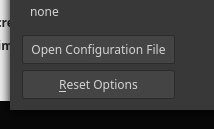
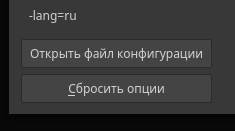
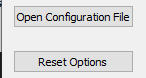
Tested on Linux Mint 19.2 and Windows 10 v1903. Failed to reproduce the issue. Also different languages were tried, that implies different button text lengths. Works as expected.
Linux Mint 19.2:
Windows 10 v1903:
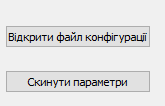
Could you provide more details about OS, Qt and Bitcoin binary versions?

No problem here either on Ubuntu, even when making the window as small as it can.
Might be related to #17153 though. Assuming this is some Linux (next time when you report an issue, mention OS details) Can you try running QT_SCREEN_SCALE_FACTORS=1 bitcoin-qt?
Hmmm... 🤔
Anything else I can do to help?
Do you mean review the code or something? If so, I'm afraid not.
If you mean downloading and running some beta version or something, I can certainly try. Apologies for the lack of understanding.

Yeah, recently updated software to 0.19.0.1
Problem persists im afraid.
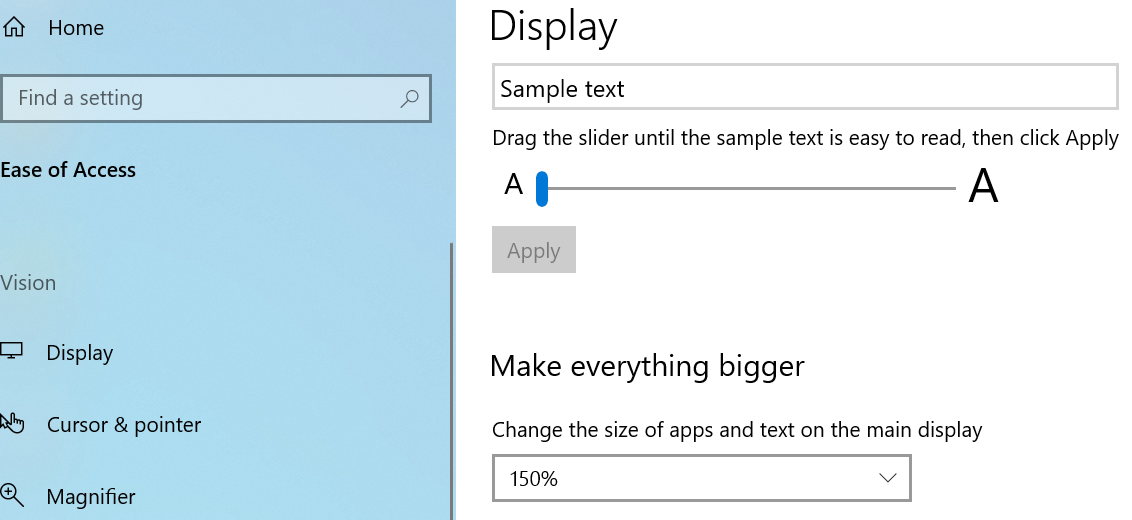
I've managed to reproduce an issue by setting "Change the size..." to 150%:
The result is:
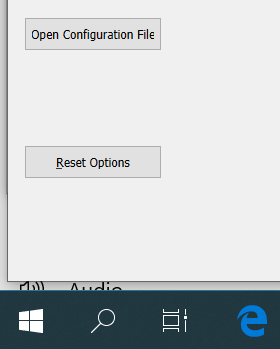 @messymatt
Could you try to reset your "Ease of Access" -> "Display" settings?
@messymatt
Could you try to reset your "Ease of Access" -> "Display" settings?
Hey @hebasto
My Ease of access display settings were at 150%. I adjusted the setting to 100% and the box displays correctly, after a software restart. My machine does recommend using 150% rather than 100% for some reason. Using the machine at 100% is uncomfortable.

The feature request didn't seem to attract much attention in the past. Also, the issue seems not important enough right now to keep it sitting around idle in the list of open issues.
Closing due to lack of interest. Pull requests with improvements are always welcome.